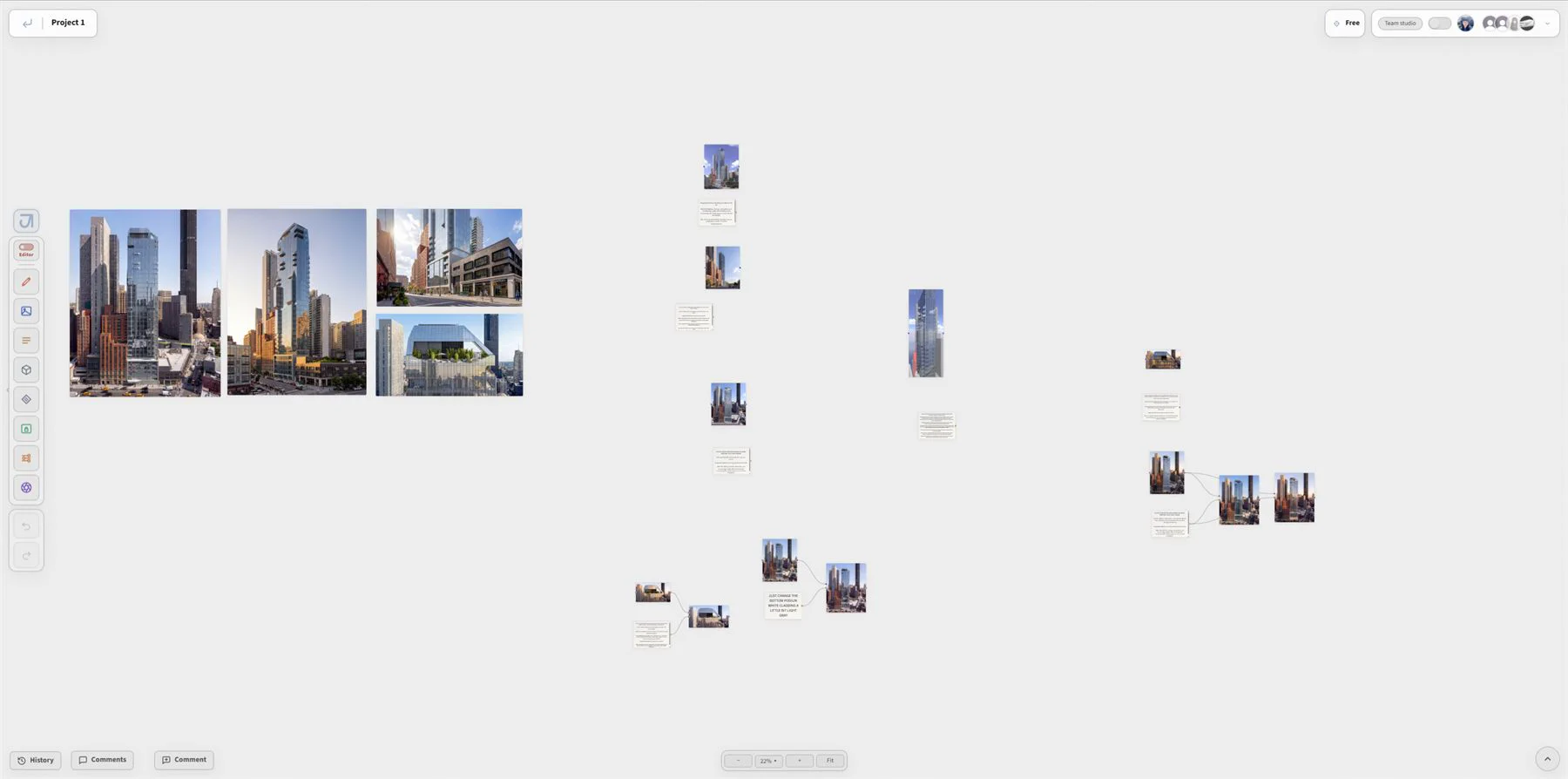
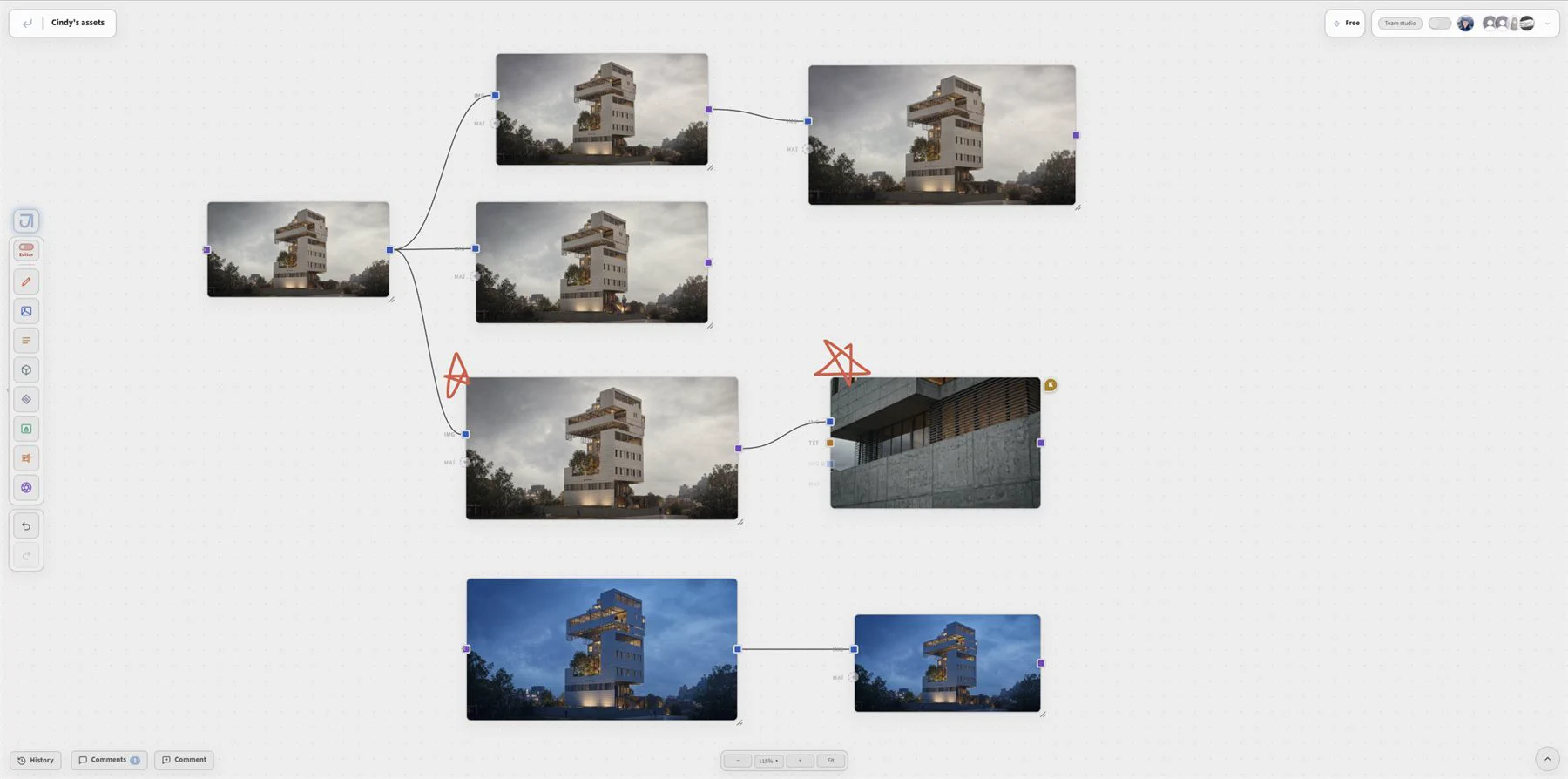
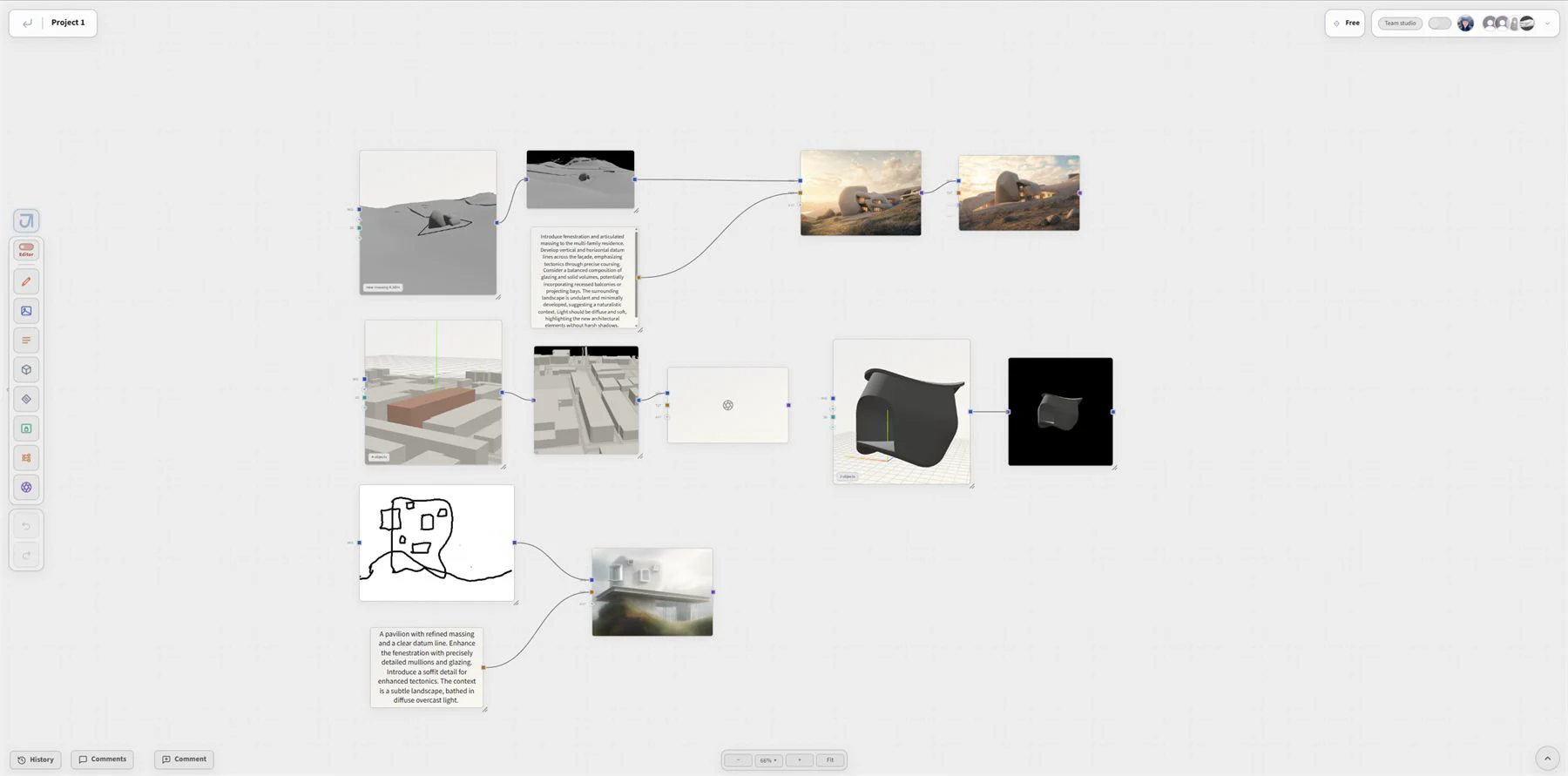
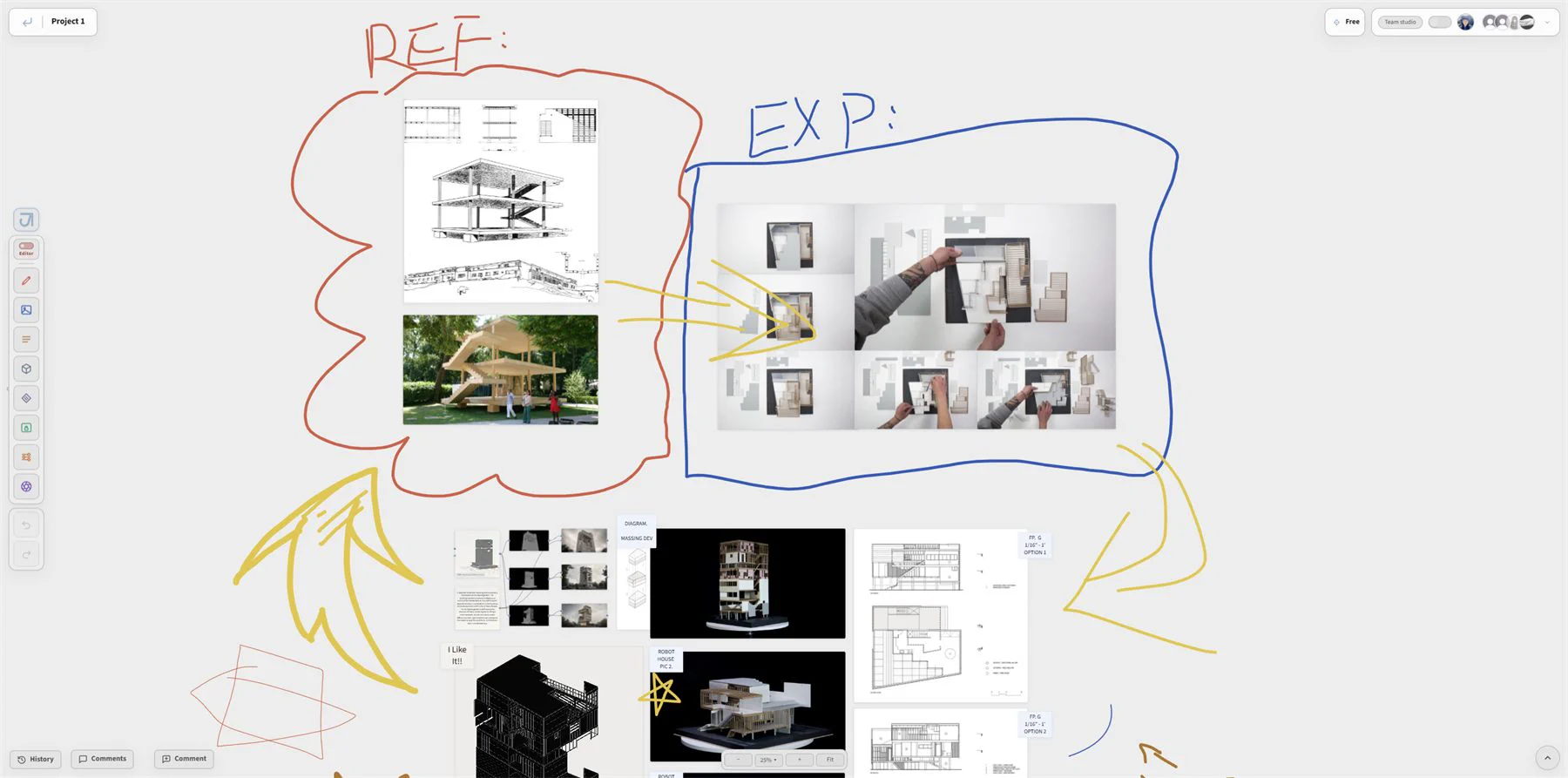




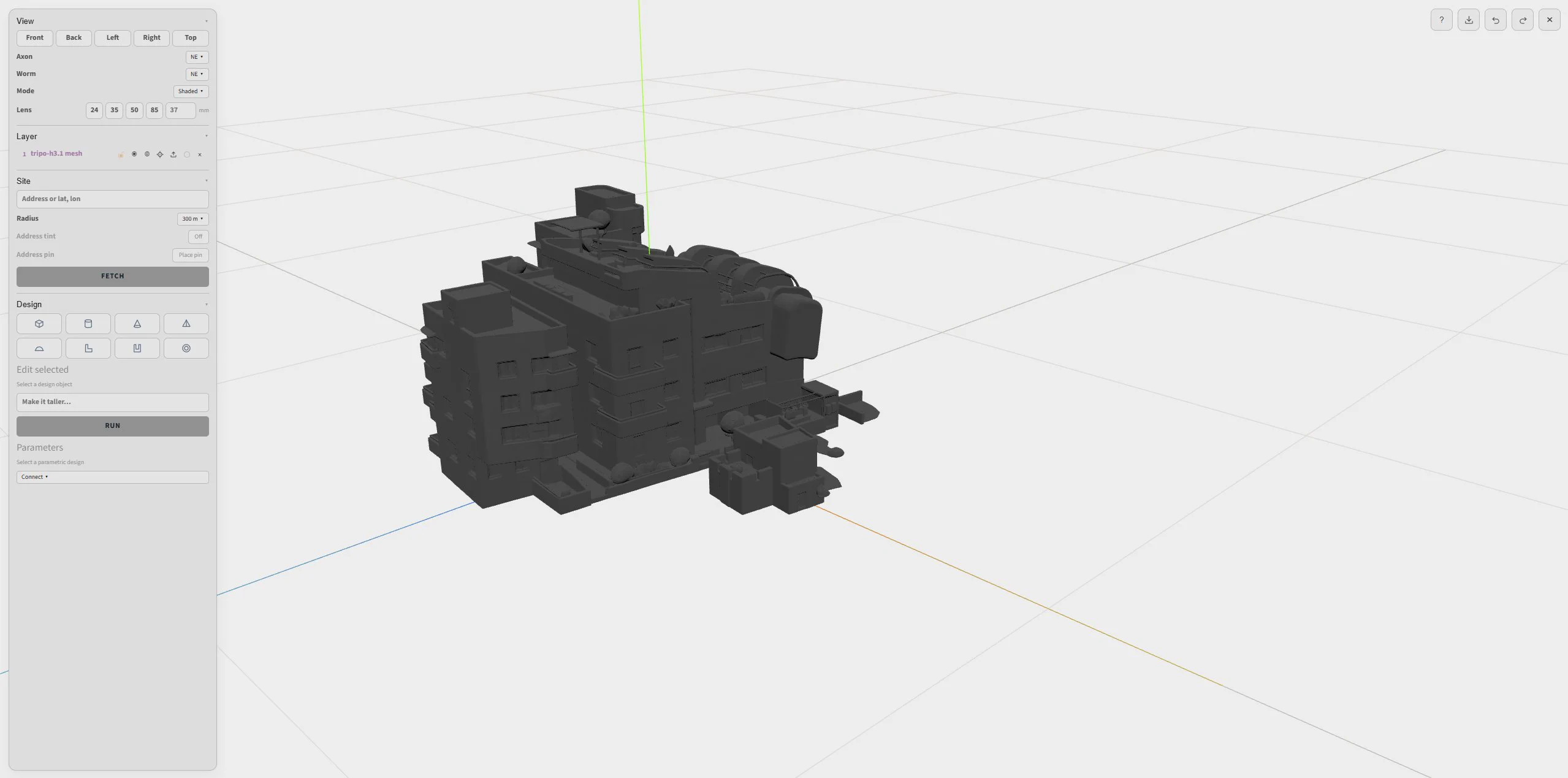



From canvas to render.

Jimin rewards those who prompt less, and favors the accurate and the precise.

Press Cmd K / Ctrl K to search

Getting started.

Start with the core ideas and everyday basics for working in Jimin.

Generation paths.

Start from the material you have, then move toward an image, model, or clip.

Use the left and right arrow keys to browse, or swipe on a touch screen.

Working tools.

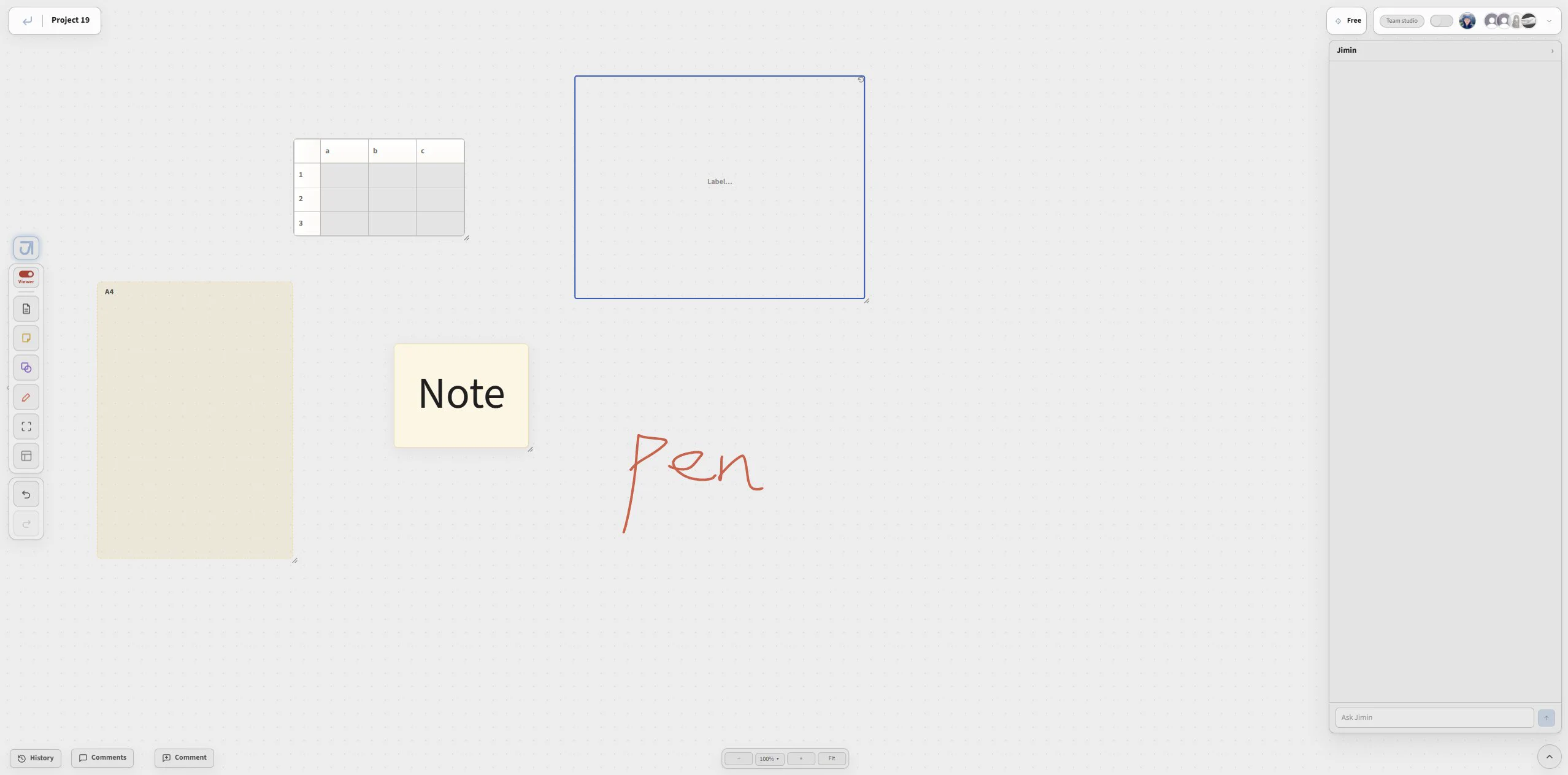
Focused canvas tools for context, prompting, editing, organizing, and review.

Learning Hub.

Tutorial routes for learning the canvas, prompts, and project workflows.

What's new.

Latest product updates from the Jimin build.

Early access preparation

The site and booklet are being prepared for the first architect cohort.

Major workflow update

Generation and collaboration details were consolidated.

Core team takes shape

Design, product, and technical work moved into one track.

Jimin concept begins

The first direction formed around one connected AI canvas.

Talk to Us.

Questions, partnerships, or a workflow that does not fit the booklet yet.