01
Site and design, grounded.
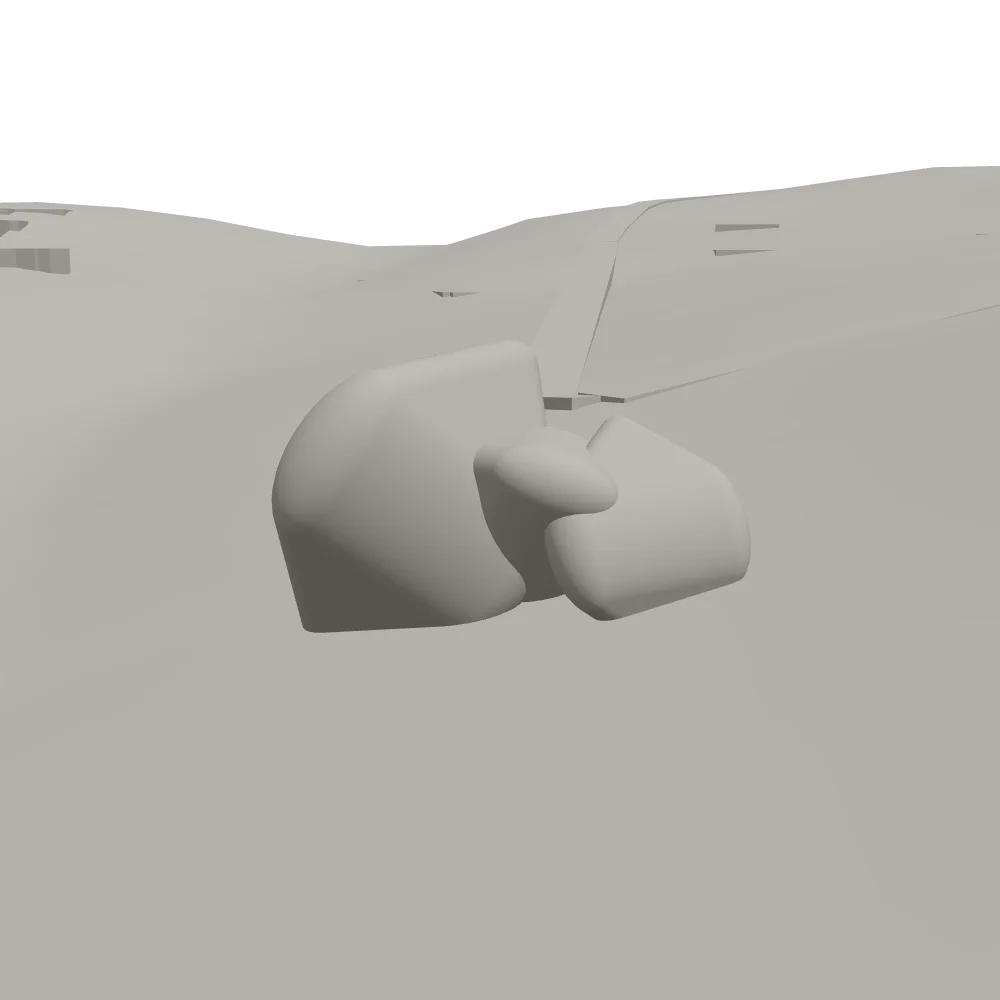
Jimin keeps the model, viewpoint, and project context connected, so every image begins with the architecture—not a disconnected prompt.
Share your work and the idea behind it.
Renders, studies, and engine choices stay visible as the project moves.
Ideas, references, and iterations stay connected as the project evolves.
Jimin keeps the model, viewpoint, and project context connected, so every image begins with the architecture—not a disconnected prompt.
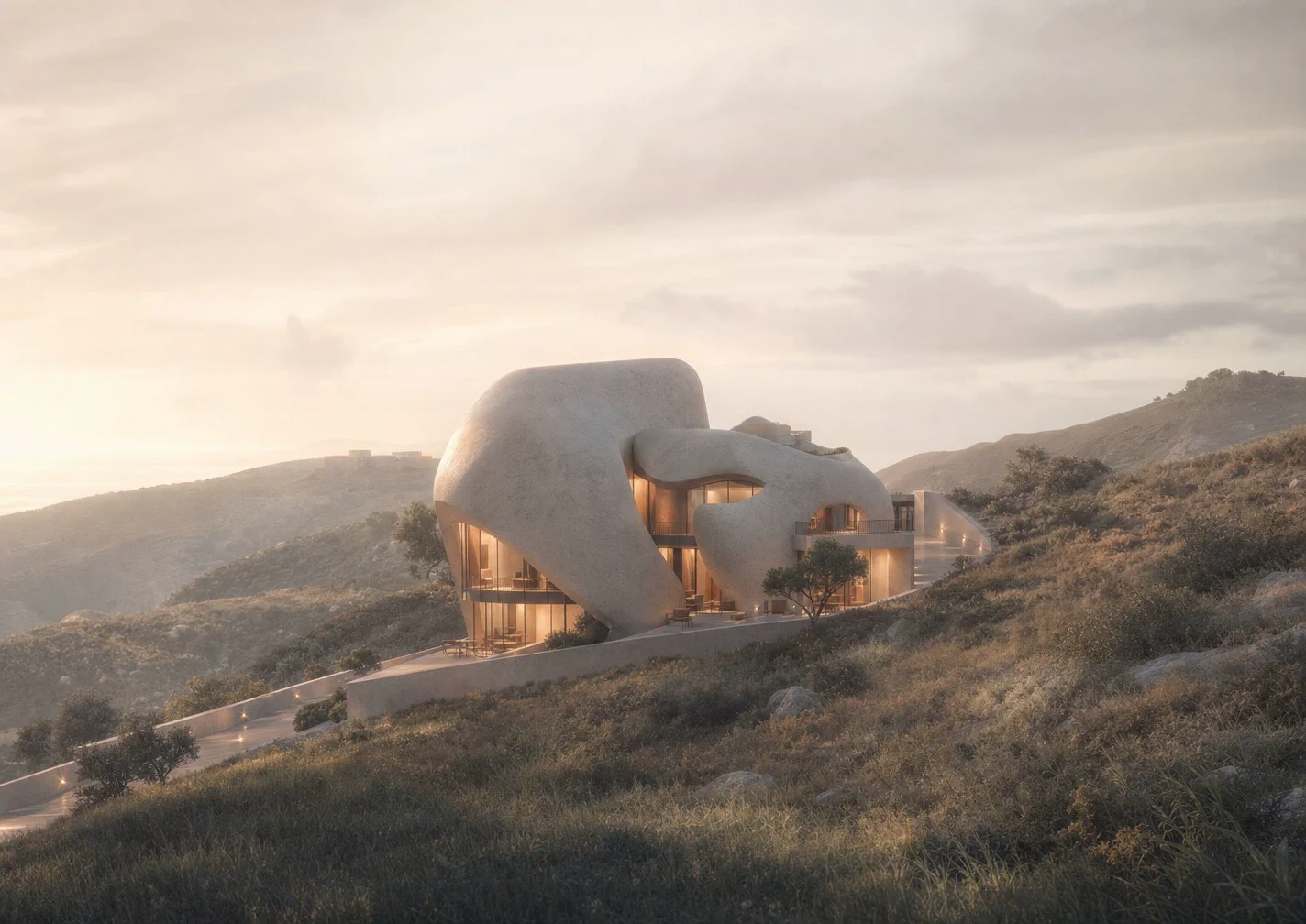
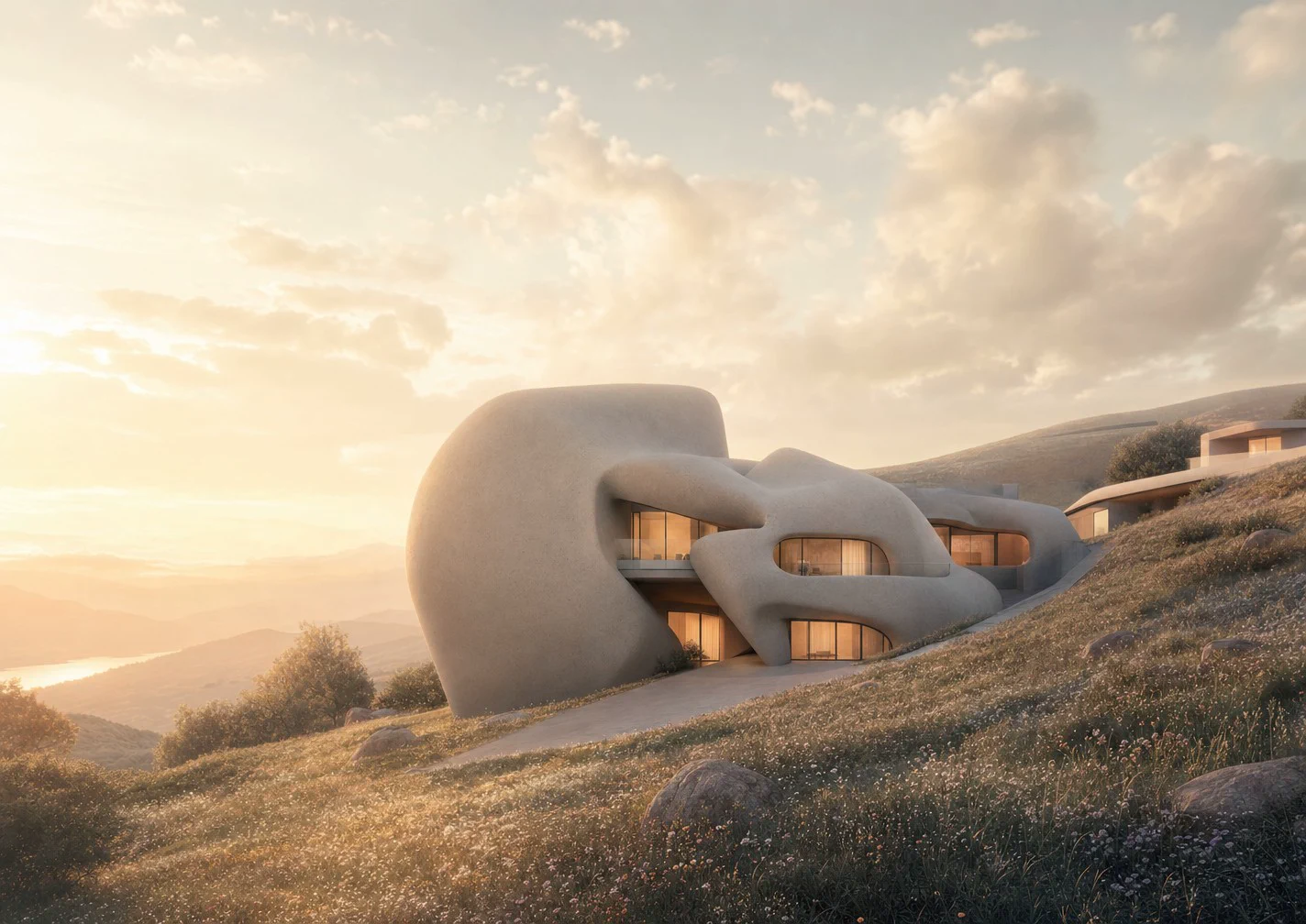
Move from a rough idea, sketch, or gray model to a presentation-ready direction while keeping the design open to iteration.
Keep project work in one organized space, compare options, and bring teammates into the same visual conversation.
Explore ideas, refine decisions, and keep moving without breaking your flow.
Nine ways to generate, refine, and deliver architectural imagery.
Every step stays connected in one creative flow.
A few things to know before you begin.
Jimin is an AI design canvas built for architectural workflows. It keeps models, references, generations, and decisions in one connected project space.
No. Rendering is one part of the workflow. Jimin helps you move from project inputs to visual exploration, iteration, collaboration, and presentation.
Your model, chosen view, references, and prior iterations stay connected, so each new direction begins with the project—not an isolated prompt.
Yes. Jimin keeps options organized so you can compare, refine, and continue from the direction that best fits the project.
Now. Registration is open: anyone can make an account, and we send a code to your email to confirm it.
Bring your next project into one connected creative workflow.